✦ ✧ ✦ ✧ ✦ ✧


Nemcon Systems Offer Website Development and online E-Commerce Store. Social Media Marketing & Social Media Post Designs.
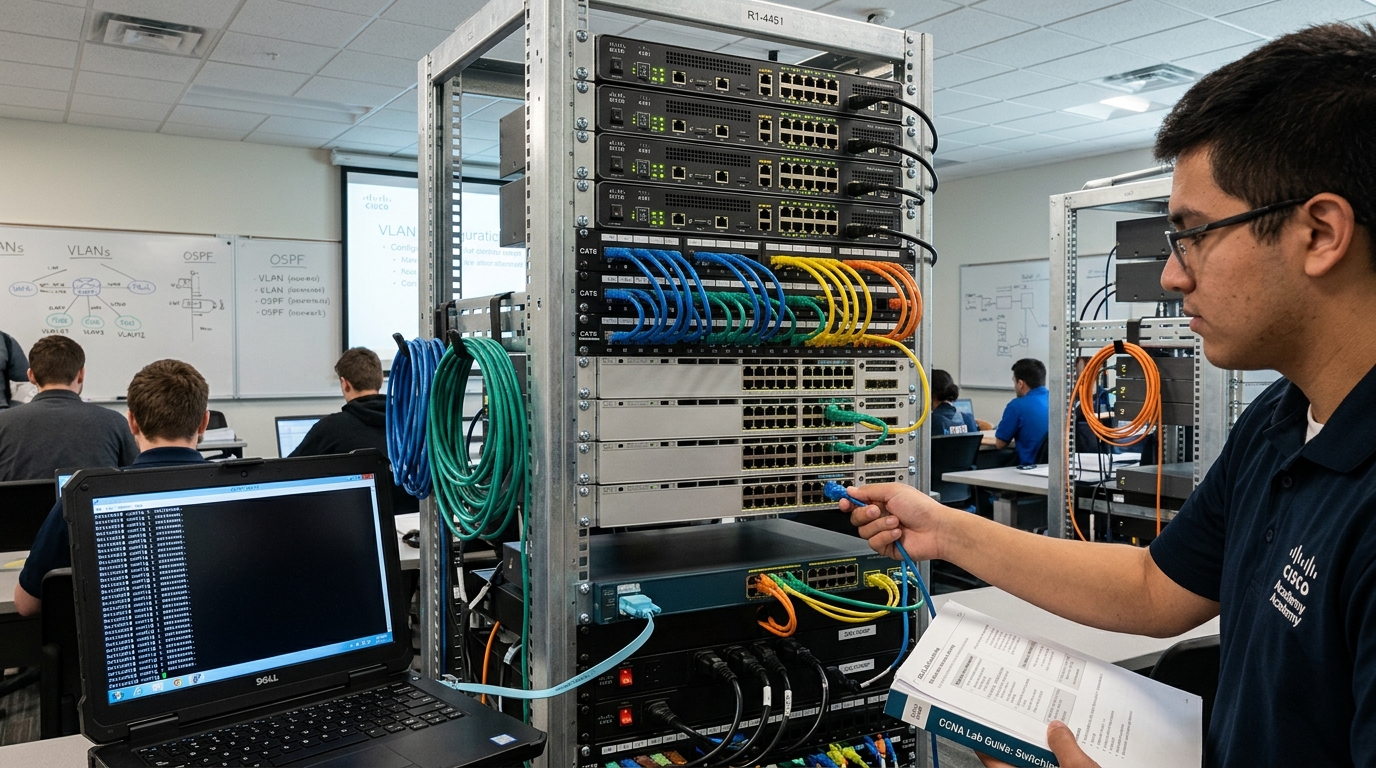
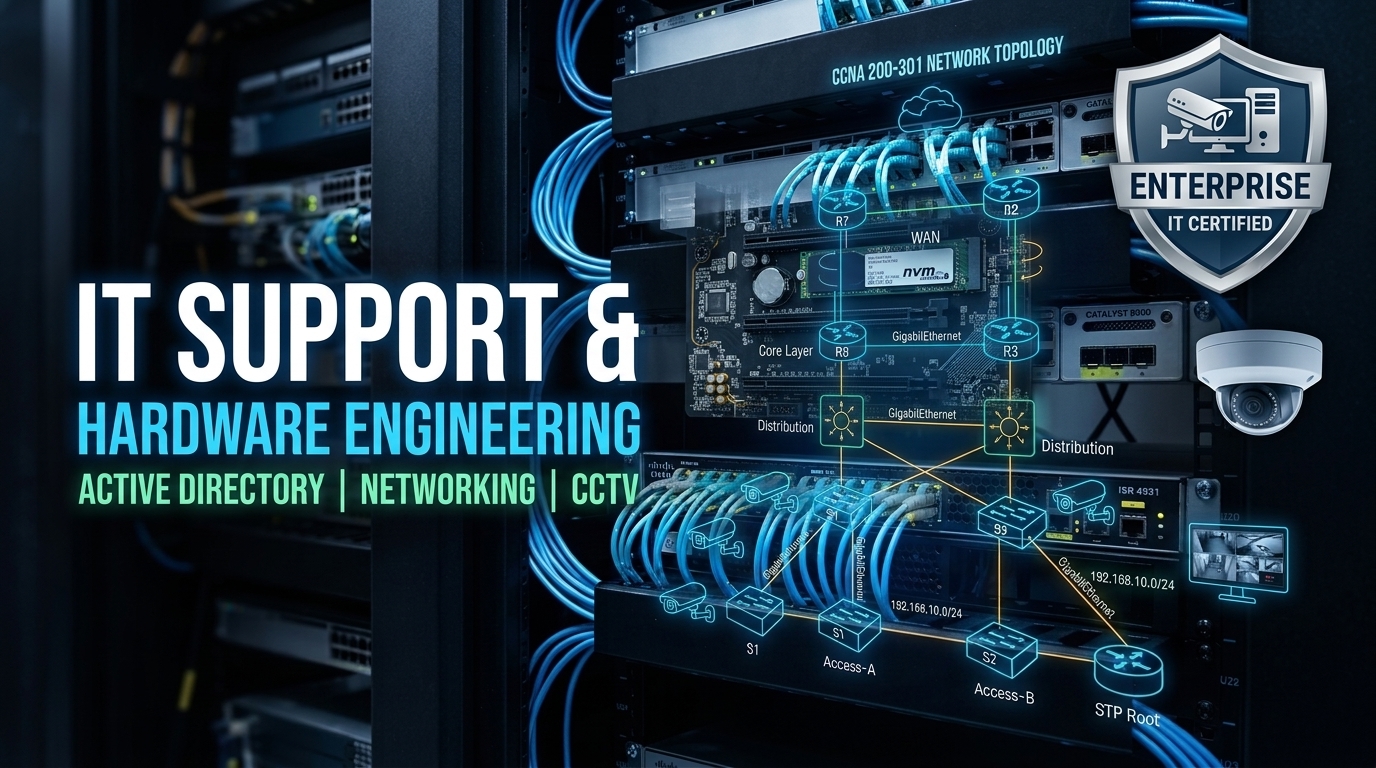
Master Workgroup LAN Cabling & Resource Sharing, Windows Server Active Directory Domain Setup, Domain Security Group Policies (GPO), Clean OS Deployments, Hardware Diagnostics, Data Recovery, and CCTV Cameras with Online DVR Cloud Configuration under direct 1-on-1 mentorship by Sir Muhammad Arif (CCAI, MCT).
Training Provider: Nemcon Systems (Headquartered in Lahore, Pakistan – Global Live Online Training Division; approved Cisco Networking Academy).
Lead Instructor: Muhammad Arif (Sir Arif) (Cisco CCAI & Microsoft Certified Trainer – 20+ Years Enterprise IT & Networking Experience).
Target Region: Canada (Toronto, Ontario, Vancouver & All Canadian Provinces – Live EST & PST Evening & Weekend Batches).
Course Duration: 2 Months (100% Practical Hands-On Labs & Live 1-on-1 Screen-Share Training).
Total Tuition Fee: CA$ 275 All-Inclusive (Discounted from regular CA$ 600 | Flexible Installments of CA$ 137.50/Month for 2 Months).
Core Practical Modules: 6 Modules (Workgroup LAN Setup, Active Directory AD DS, Group Policies GPO, Windows 10/11 & Server OS, Hardware Diagnostics & Data Recovery, CCTV Cameras & DVR/NVR Cloud Viewing).
Join live interactive practical networking training from Vancouver, British Columbia, Calgary, Edmonton, Montreal, Winnipeg, Halifax, or anywhere across Canada. Engineered for aspiring IT support specialists, desktop technicians, and network engineers, this 2-month hands-on course gives you real-world mastery over Workgroup LAN cabling, Windows Server Active Directory domain configurations, GPO security policies, computer hardware repair, data recovery, and CCTV camera online DVR cloud setups. Scheduled in convenient Pacific (PST) and Mountain (MST) evening and weekend batches with 100% live instructor interaction.
Build functional office network topologies from scratch. Master Cat6 RJ-45 crimping, patch panel punchdowns, static/DHCP IP configurations, Windows Server Domain Controller promotion, user account management, and restrictive Group Policy Objects (GPO).
Gain true workbench competency. Learn power supply testing, POST beep code fault isolation, RAM/motherboard swapping, bootable recovery drive creation with Hirens BootCD PE, and corporate data recovery from corrupted or formatted storage drives.
Install and wire analog HD and IP digital security cameras, terminate RG59 coaxial and Cat6 PoE lines, configure standalone DVRs and NVRs, and configure router port forwarding and P2P cloud smartphone live monitoring on iOS and Android.
Designed specifically for working professionals, newcomers, and students across Ontario, British Columbia, Alberta, and all Canadian provinces.
Targeting corporate head offices, healthcare facilities, and financial institutions across Downtown Toronto, Mississauga, Brampton, Markham, and Vaughan requiring hands-on IT support analysts.
Supplying practical network technicians and systems administrators for Canada’s Silicon Valley North, Kanata Research Park, telecom infrastructure, and federal government enterprise networks.
Covering Downtown Vancouver, Burnaby, Richmond, and Surrey tech corridors with live evening batches aligned with Pacific Time (PST) for startups, logistics, and digital enterprises.
Supporting Kitchener-Waterloo, Cambridge, and Guelph tech clusters with real-world Windows Server Active Directory and Cat6 structured cabling troubleshooting skills.
Serving Alberta’s thriving energy-tech sector, Calgary commercial data centers, Edmonton tech hubs, and Winnipeg with hands-on hardware repair and CCTV surveillance networking.
Providing 100% remote online training across Quebec, Atlantic Canada, and all territories with flexible evening hours and direct two-way screen sharing with Sir Muhammad Arif.
According to Job Bank Canada and Indeed salary data, entry-level IT Support Technicians and Junior Network Administrators command annual salaries ranging from $48,000 to $75,000+ CAD per year, with higher compensation packages across Toronto, Ottawa, and Vancouver metro markets.
Canadian hiring managers heavily favor verifiable practical abilities—such as deploying real Active Directory domains, diagnosing POST errors, terminating Cat6 jacks, and configuring CCTV DVRs—over costly theoretical college diplomas.
A structured 6-module roadmap designed to build complete practical IT support, enterprise Windows Server domain administration, and security surveillance skills.
Master practical local area network (LAN) setup, cabling termination standards, TCP/IP address configuration, subnetting basics, and seamless resource sharing across office workstations.
Install and configure Windows Server domain controllers, promote active directory domain services (AD DS), configure enterprise DNS/DHCP, and manage domain users and computer accounts.
Implement enterprise Group Policy Objects (GPOs), enforce corporate security baselines, restrict unauthorized software, lock down USB mass storage, and secure domain workstations.
Learn clean enterprise operating system installations, UEFI vs Legacy BIOS configurations, GPT/MBR partition schemes, automated driver deployment, and multi-boot workstation environments.
Master physical computer hardware assembly, POST beep code troubleshooting, power supply testing, accidental data recovery from corrupted drives, and remote help desk support utilities.
Design, install, and configure modern video surveillance systems including analog HD and IP cameras, DVR/NVR network setup, router port forwarding, and secure mobile cloud remote viewing.
Gain real-world, job-ready skills aligned with enterprise workplace standards across Canadian commercial and industrial environments.
Learn how corporate networks manage authentication, user access permissions, shared folders, and endpoint lockdown using Active Directory and Group Policy.
Master troubleshooting Motherboards, RAM, NVMe drives, Power Supplies, Hirens BootCD PE diagnostic environments, and recovering formatted business data.
Wire, position, and configure IP and HD-TVI cameras, setup storage hard drives on standalone DVRs/NVRs, and configure remote live mobile smartphone viewing.
Compare our comprehensive 2-month live instructor-led program directly against expensive Canadian career colleges and unsupported video recordings.
| Program Metric | Nemcon Systems (CA$ 275) | Canadian Career Colleges | Self-Paced Video Courses |
|---|---|---|---|
| Total Tuition Cost | CA$ 275 (CA$ 137.50/mo • 2 Mos) | $3,500 – $7,500+ CAD | $30 – $100 CAD (Self-study) |
| Curriculum Scope | ✓ 6 Practical Modules (LAN + Server + Hardware + CCTV) | Heavy theory, slow 6-12 month pacing | Fragmented, outdated lectures |
| Delivery Mode | 100% Live Interactive Online (EST & PST) | Inflexible daytime campus schedule | 100% Pre-recorded without interaction |
| Lead Instructor Experience | ✓ Muhammad Arif (CCAI, MCT • 20+ Yrs) | Junior sessional instructors | Zero trainer access |
| Live Screen-Share Debugging | ✓ Included 1-on-1 on demand | Crowded computer lab sessions | None (Unsupported) |
| Official Certificate | ✓ Verifiable Nemcon Systems Certificate | College attendance certificate | Generic completion badge |

Cisco Certified Academic Instructor (CCAI) • Microsoft Certified Trainer (MCT)
Founder & Chief Executive Officer, Nemcon Systems (Lahore, Pakistan)
Sir Muhammad Arif has mentored over 15,000 systems engineers, IT support executives, and network administrators across Canada, North America, and globally throughout his 20-year career. Recognized as an approved Cisco Networking Academy instructor and Microsoft Certified Trainer, Sir Arif specializes in breaking down complex networking topologies and hardware troubleshooting into straightforward, practical, hands-on skills.
Unlike commercial bootcamps with junior instructors, Canadian students in our cohort interact directly with Sir Arif during every live session, receiving live two-way screen-share guidance whenever they encounter configuration challenges in their labs.
Direct enrollment via WhatsApp • Zero credit checks • Instant confirmation
Experience our live screen-sharing environment, test a real Active Directory or LAN configuration exercise, and consult directly with Sir Muhammad Arif before committing.
Concise, direct answers regarding tuition, schedules, curriculum, hands-on labs, and certification.
Yes. Classes are specifically timed for Pacific Standard Time (PST) and Mountain Standard Time (MST) evenings and weekend afternoons. Whether you reside in Vancouver, Burnaby, Surrey, Calgary, or Edmonton, you can participate live with real-time two-way audio and screen sharing.
The full 2-month program costs CA$ 275 total (discounted from CA$ 600). You can pay in two simple monthly installments of CA$ 137.50 / month. This fee includes all 6 practical modules, lab exercises, diagnostic tools, and your verifiable completion certificate.
No expensive enterprise hardware is required. You only need a standard PC or laptop running Windows 10 or 11 with an internet connection. We provide all virtualization software (VMware / VirtualBox), Windows Server evaluation images, and step-by-step guidance for setting up hands-on labs.
Yes. Module 6 is dedicated to video surveillance engineering, teaching analog HD and IP PoE camera setups, DVR/NVR hardware configuration, router port forwarding, DDNS, and cloud P2P smartphone remote viewing—a valuable high-demand skill for commercial and residential installers in Canada.
Upon completion of all 6 practical modules, Nemcon Systems issues an official Certificate in Practical Networking & IT Support featuring a unique verifiable credential ID and online validation portal that Canadian employers, recruiters, and HR managers can independently verify.
Simply reach out via WhatsApp at +92 321 46 33 555. Our instructor Sir Muhammad Arif will arrange a free 1-on-1 introductory session to demonstrate the live lab environment, review the syllabus, and finalize your enrollment.