


IT Basics & Modern AI Office Productivity Course in Lahore
Master fundamental computing, Windows 11, modern Microsoft Office (Word, Excel, PowerPoint), and game-changing generative AI tools (ChatGPT & Canva AI) with 100% practical lab assignments at Lahore’s premier IT institute.
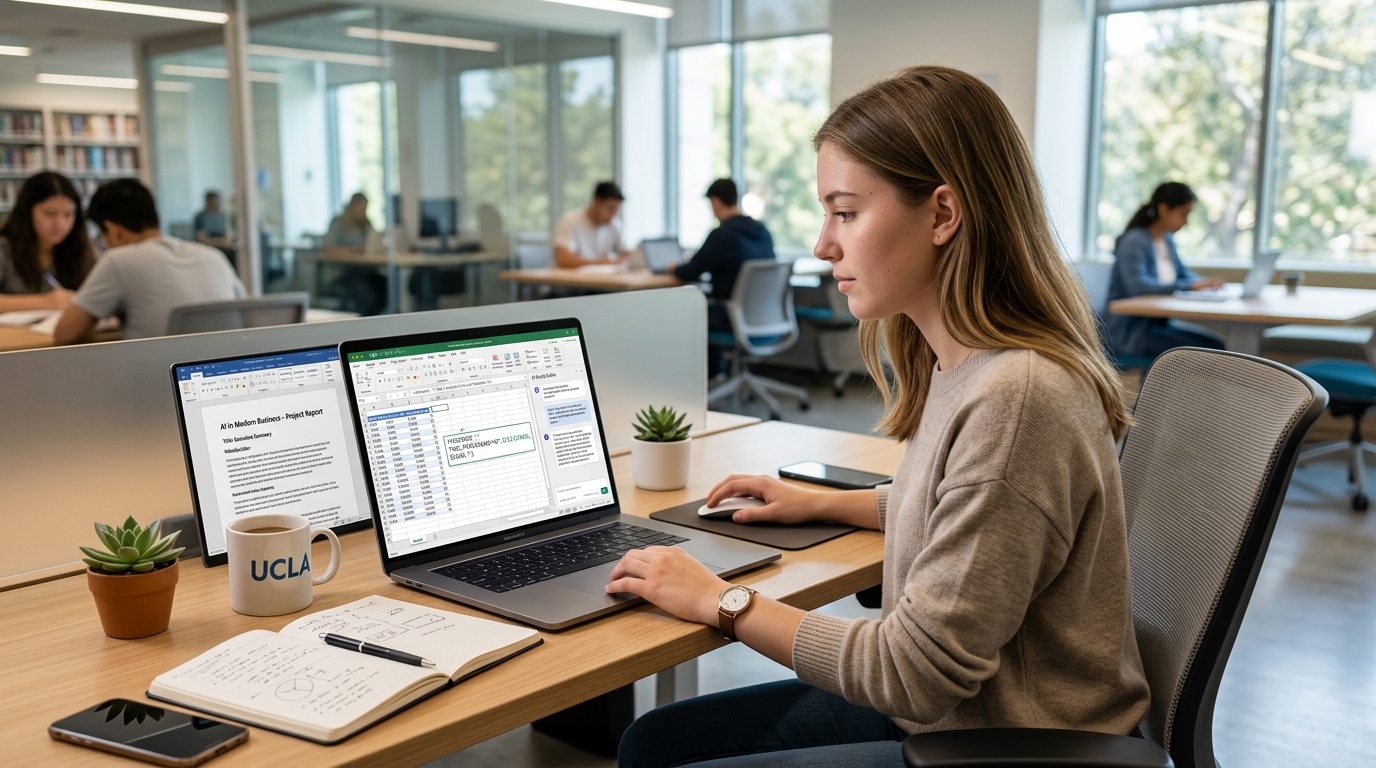
Why Outdated Computer Courses Fail (And How We Are Different)
Most computer short courses in Lahore still teach outdated 2007 methods. At Nemcon Systems, we combine essential computer fundamentals with today's modern cloud ecosystem and practical AI productivity.
Windows 11 & Modern OS
Move beyond basic clicking. Learn keyboard shortcuts, file compression, cloud sync with OneDrive, privacy settings, and day-to-day PC troubleshooting.
Excel with AI Prompts
Don't struggle memorizing complex syntax. Learn practical Excel formulas (VLOOKUP, XLOOKUP, IF) and use ChatGPT to debug and generate formulas in seconds.
ChatGPT Office Assistant
Learn prompt engineering for business: Draft polite client emails, rewrite executive reports, proofread documents, and summarize long meeting notes instantly.
Canva & AI Graphic Design
Create stunning corporate presentations, business cards, social media banners, and flyers in minutes using Canva templates and generative AI image tools.
Comprehensive 6-Module IT Basics & AI Curriculum
Step-by-step syllabus covering hardware, office automation, modern cloud tools, and generative AI. Built for practical office competence.
Master fundamental computing concepts, computer hardware architecture, memory types, Windows 11 navigation, and essential system maintenance.
Hardware & Operating System Basics
- Understanding CPU, RAM, SSD vs HDD, graphics processing, and peripheral ports (USB-C, HDMI).
- Windows 11 interface: Taskbar customization, virtual desktops, snap layouts, and Action Center.
- Advanced file management: Folder structure, naming conventions, file extensions, and ZIP compression.
- Keyboard shortcuts mastery:
Ctrl+C/V/Z,Win+Vclipboard history,Win+Shift+Ssnipping tool.
System Maintenance & Troubleshooting
- Windows Settings: Managing updates, default apps, sound/display options, and privacy permissions.
- Disk Cleanup, Storage Sense, uninstalling bloatware, and managing startup programs via Task Manager.
- Basic computer troubleshooting: Resolving printer connection errors, Wi-Fi drops, and frozen apps.
- Typing speed & accuracy drills: Ergonomic posture and touch-typing techniques using software drills.
Craft executive-level documents, official corporate correspondence, multi-page business reports, tables, and professional CVs.
Formatting & Structure
- Typography rules: Font hierarchy, line spacing, margins, indentations, and bullet points.
- Designing professional tables: Merging cells, custom borders, alignment, and formula totals in Word.
- Header, footer, automated page numbers, date stamps, watermarks, and cover pages.
- Styles and automated Table of Contents (TOC) for formal books and corporate proposals.
Advanced Document Features
- Creating a high-converting, ATS-friendly professional CV and Resume from scratch.
- Mail Merge mastery: Creating mass letters, employee certificates, and envelope address labels.
- Review tab: Track Changes, adding review comments, and spell check/thesaurus tools.
- Exporting and securing documents: Converting to password-protected PDF files.
Excel is the most demanded workplace skill. Master cell operations, financial budgeting, mathematical calculations, logical functions, and dynamic charts.
Essential Formulas & Functions
- Basic math arithmetic: Addition, subtraction, multiplication, division, and percentage calculations.
- Core mathematical functions:
SUM,AVERAGE,MIN,MAX,COUNT, andCOUNTA. - Logical functions: Single and nested
IFstatements,SUMIF, andCOUNTIF. - Lookup & reference functions: Mastering
VLOOKUP, modernXLOOKUP, andINDEX/MATCHconcepts.
Data Visualization & Analysis
- Conditional formatting: Highlight top/bottom values, data bars, and duplicate detection.
- Data sorting, multi-column filters, and freeze panes for large corporate datasets.
- Creating dynamic charts: 2D/3D column, bar, line, and pie charts with clean labels.
- Pivot Tables & Pivot Charts: Summarizing sales data, department expenses, and generating reports.
Turn boring text slides into captivating corporate presentations. Learn visual hierarchy, typography, slide masters, and presentation confidence.
Visual Slide Design
- Slide design rules: 6x6 rule, color harmony, typography contrast, and whitespace.
- Mastering Slide Master layouts to maintain uniform corporate branding across all slides.
- Utilizing SmartArt diagrams for company timelines, organizational hierarchies, and workflows.
- Inserting and cropping images, vector icons, shapes, and embedding background videos.
Animation & Delivery
- Smooth transitions: Using the powerful Morph transition for seamless animated scene changes.
- Tasteful entrance/exit animations without overwhelming business audiences.
- Presenter View: Utilizing speaker notes, timers, pen markup, and laser pointer tools.
- Exporting presentations to self-running MP4 video format and shareable PDF slides.
Become a smart digital citizen. Learn Google Workspace cloud collaboration, professional email communication standards, and vital cyber safety practices.
Cloud Collaboration & Workspace
- Google Workspace: Google Docs, Google Sheets, Google Slides, and Google Forms for online surveys.
- Cloud storage: Uploading, sharing permissions (Viewer, Commenter, Editor), and Google Drive sync.
- Google Meet & Zoom: Setting up conference links, screen sharing, and audio/video etiquette.
- Efficient search techniques: Advanced Google search operators (
filetype:,site:, quotation marks).
Email Etiquette & Cyber Safety
- Professional Gmail/Outlook communication: Subject lines, salutations, body structure, and signatures.
- Proper usage of To, CC (Carbon Copy), and BCC (Blind Carbon Copy) in business contexts.
- Cyber hygiene: Spotting phishing emails, malicious attachments, and scam links.
- Password security: Creating strong passphrases and enabling Two-Factor Authentication (2FA).
Step into the future. Learn how to combine ChatGPT with Microsoft Office and utilize Canva AI to produce high-impact graphic assets at lightning speed.
ChatGPT for Office Automation
- Effective Prompt Engineering: Persona, context, task, and formatting instructions.
- Using ChatGPT to write, debug, and explain complex Excel formulas and nested logical statements.
- Drafting official memos, business letters, leave applications, and executive summaries in seconds.
- Summarizing long meeting notes, PDF reports, and extracting action items into bullet points.
Canva & Generative AI Graphic Design
- Canva Pro basics: Layouts, custom dimensions, typography, and color palettes.
- Designing corporate marketing flyers, social media banners, and employee certificates.
- Utilizing Canva Magic Studio: Magic Design, Magic Erase, and background removal tools.
- AI Presentation Generator: Producing formatted slide structures and visual themes in 1-click.
Need the Complete Printable Course Syllabus?
Receive the complete 8-week lecture plan, lab exercises, and assignment schedule directly on your WhatsApp.
Real Office Assignments You Will Complete
Every topic is reinforced with practical office deliverables. Graduate with real work samples to show prospective employers.
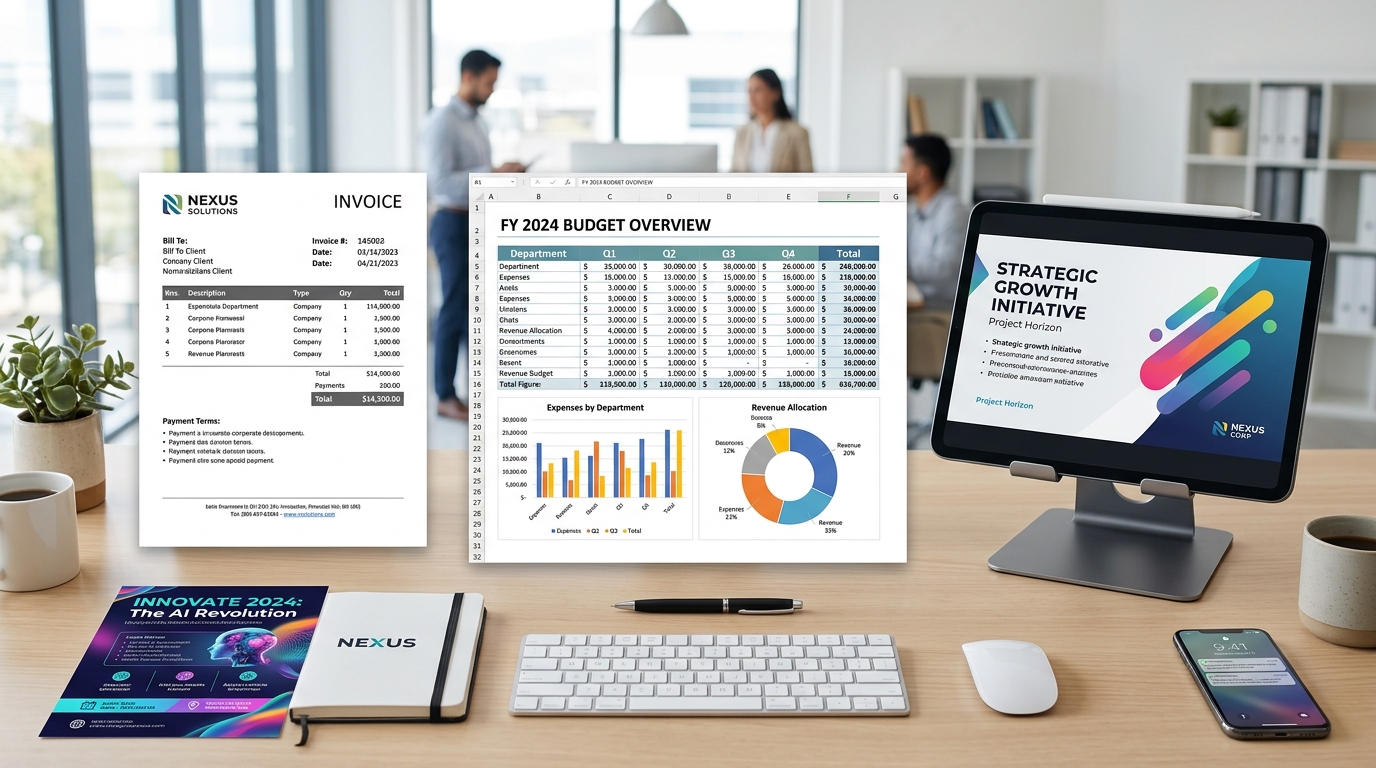
1. Corporate Financial Budget & Salary Sheet
Automated Excel sheet with employee salary calculations, income tax deductions, VLOOKUP employee codes, and visual expense charts.
2. Formal Business Proposal & Letterhead Invoice
Multi-page professional document crafted in MS Word with company branding, header/footer, customized tables, and PDF export.
3. Executive 10-Slide PowerPoint Presentation Deck
Modern slide deck featuring corporate color schemes, SmartArt infographics, Morph transitions, and embedded multimedia.
4. AI-Enhanced Marketing Flyer & Social Banner
Professional promotional flyer designed on Canva using Magic Studio AI tools, custom typography, and vector branding.
Course Details & Batch Schedule
Flexible class timings designed to accommodate matric/inter students, university scholars, and working professionals.
Course Duration
8 Weeks (2 Months)
60+ Total Practical HoursBatch Timings
Morning & Evening
Special Weekend Batches availableTraining Mode
100% On-Campus Labs
Dedicated PC per student + Online optionCertification
Verifiable Diploma
Recognized throughout PakistanCommon Questions About IT Basics Training in Lahore
Clear answers regarding batch timings, prerequisites, AI tools, and career assistance.
Do I need any prior computer experience to join this IT Basics course?
No prior computer experience is required! This course is designed specifically from the ground up for absolute beginners, school and college students, job seekers, and office professionals. We start from basic mouse handling, keyboard typing techniques, and step-by-step Windows 11 navigation.
How is modern AI (ChatGPT & Canva) integrated into this course?
Unlike outdated computer short courses in Lahore, Nemcon Systems teaches you how modern workplaces actually operate. You will learn how to prompt ChatGPT to draft professional emails, generate complex Excel formulas instantly, summarize long documents, and use Canva AI to design corporate banners and presentations in minutes.
Are computers provided during classes at the Lahore campus?
Yes! Every student gets access to their own dedicated high-speed Windows 11 PC workstation in our air-conditioned computer labs at Umar Block, Allama Iqbal Town, Lahore. You do not need to bring your own laptop to attend practical sessions.
What are the course fees, duration, and class schedules?
The course duration is 8 weeks (2 months) consisting of 60+ practical lab hours. We offer morning, evening, and weekend batches. Nemcon Systems offers student-friendly installment packages. Chat on WhatsApp at 0321 46 33 555 for the current discounted fee voucher.
Is an official course completion certificate provided by Nemcon Systems?
Yes! Upon submitting all practical assignments and passing the final office productivity project, you receive an official, verifiable Certificate in IT Basics & Modern AI Office Automation from Nemcon Systems (recognized across Pakistan since 2006).
Can this course help me get an office assistant or administrative job?
Yes! Mastering Word, Excel, PowerPoint, professional email etiquette, and AI productivity makes you fully qualified for high-demand roles like Administrative Assistant, Office Coordinator, Data Entry Operator, Customer Support Executive, and Remote Virtual Assistant.
Ready to Master Computer Fundamentals & AI Office Skills?
Enroll at Nemcon Systems Lahore today. Gain 100% practical hands-on experience in Windows 11, MS Word, Excel formulas, PowerPoint, Google Workspace, and ChatGPT AI productivity.